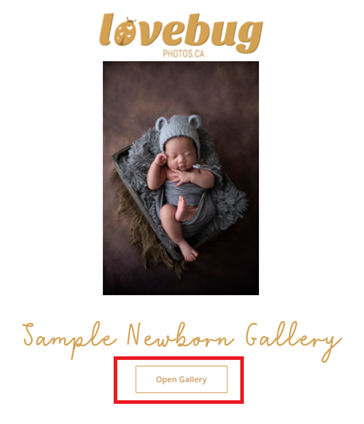
1. Click or tap “Open Gallery”.
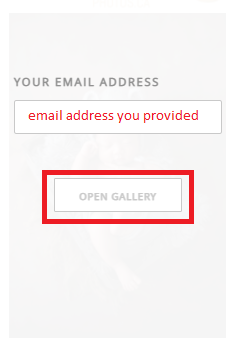
2. Be sure to use the email address you provided us. Then click or tap “Open Gallery”.
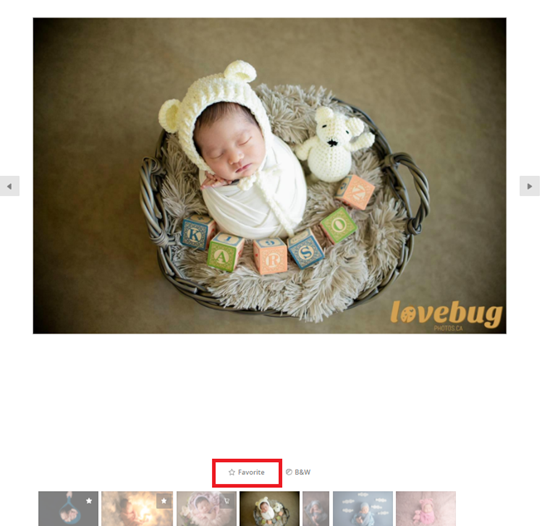
3. Click or tap “Favorite” on each of the photos you would like to choose for retouching.
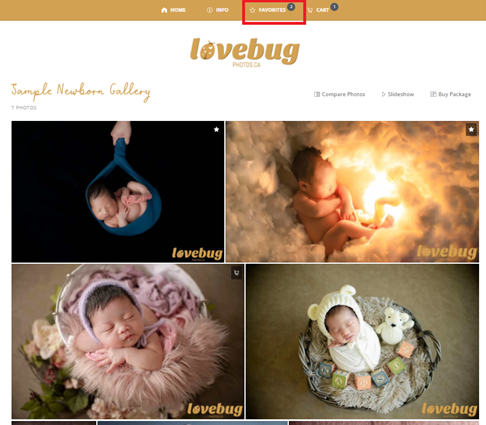
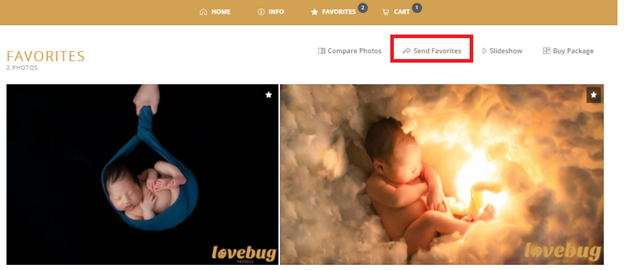
4. Once you have finished choosing all of your favorite photos. Click or tap “Favorites” near the top of the screen.
5. Click or tap “Send Favorites”.
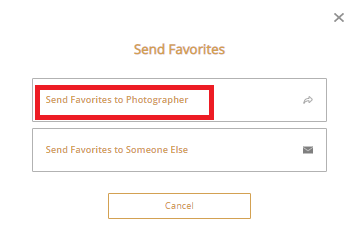
6. Click or tap “Send Favorites to Photographer”.
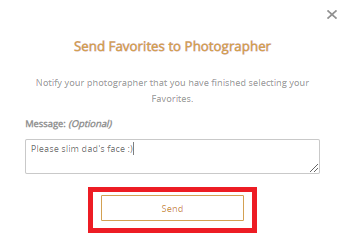
7. Add optional message then Click or tap “Send”.
Congratulations! You have successfully sent us your list of favorite photos to be retouched!